

WQSB Professionals Global Day · November 27, 2026
From Forms to Insights
Data-driven decision making with Microsoft Excel. Everything for the session is on this page: the slides, the Microsoft Forms and a practice workbook for your role.
Start here
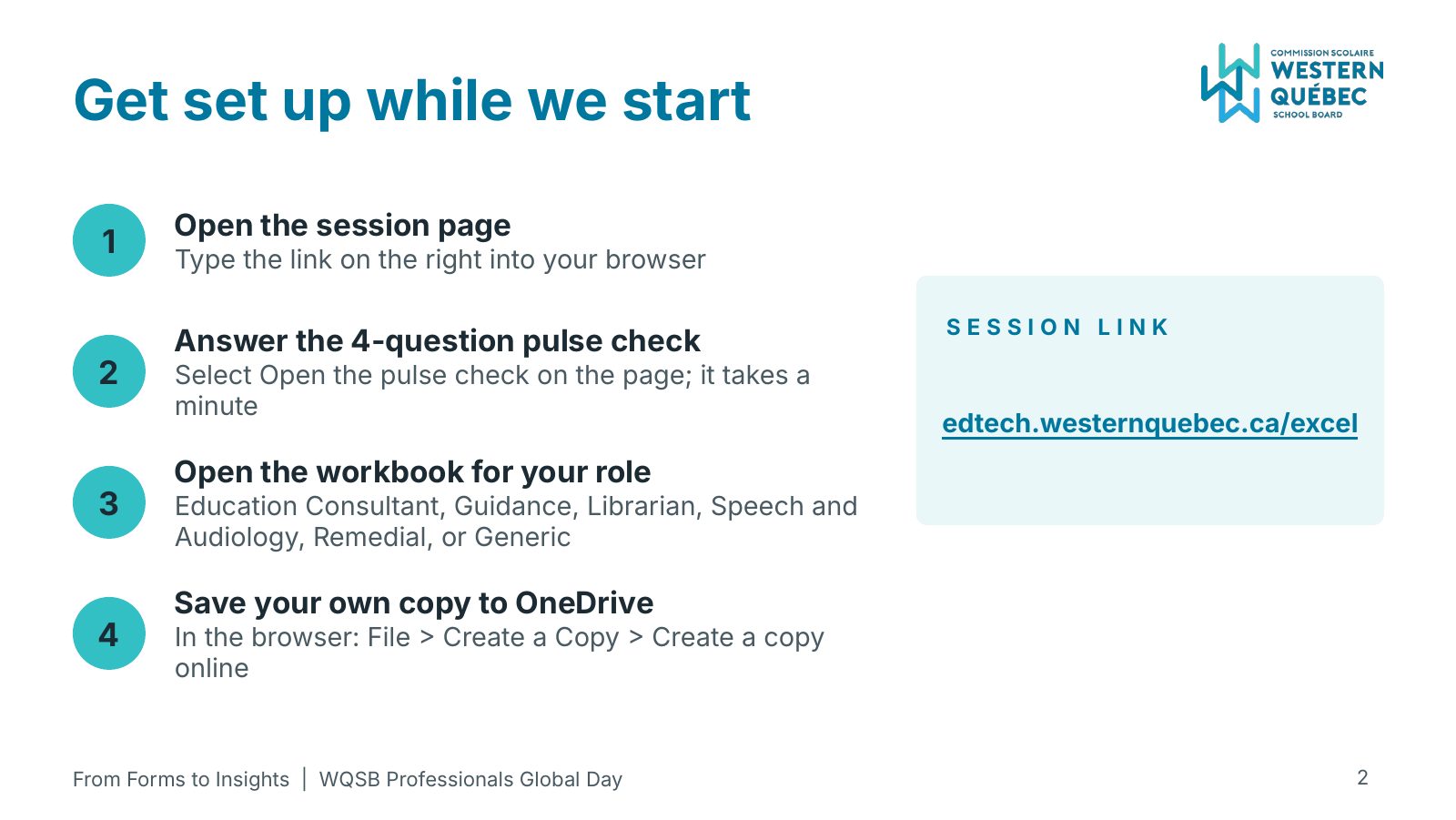
Get set up in four steps
-
Answer the pulse check
Four quick questions, about a minute.
Open the pulse check -
Open the workbook for your role
Choose yours in the table below, or pick 06 Generic if you would like to use your own data.
Go to the workbooks -
Save your own copy to OneDrive
Please make a copy before you type anything, so the original stays clean for everyone.
See how -
Follow the Start Here tab
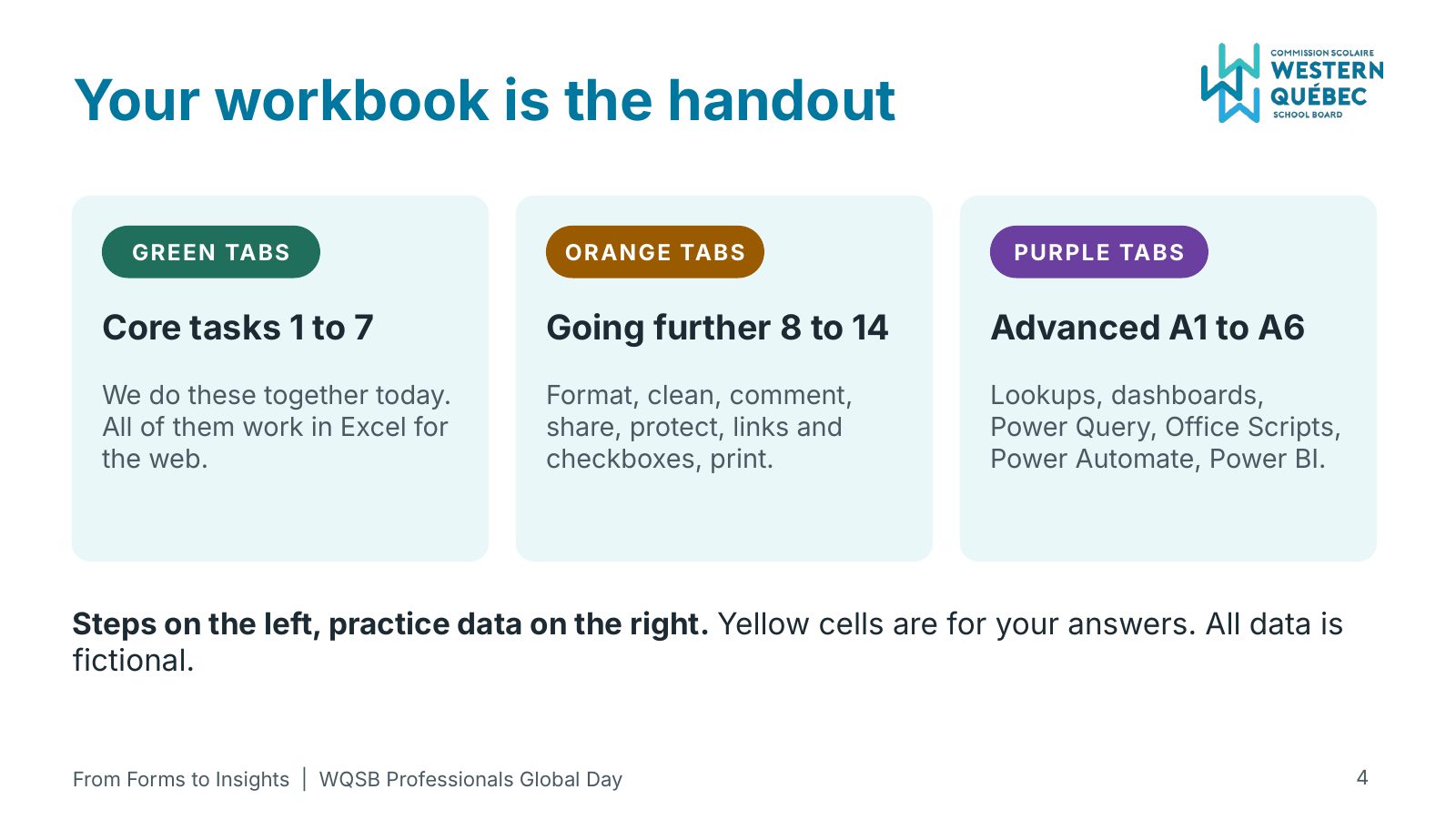
Your workbook is the handout. The green tabs are the seven tasks we do together.
Presentation
Slides
If the PowerPoint view shows an error, select Open the slides in PowerPoint below once, then come back and reload this page. Or switch back to Slides, which needs no sign-in.
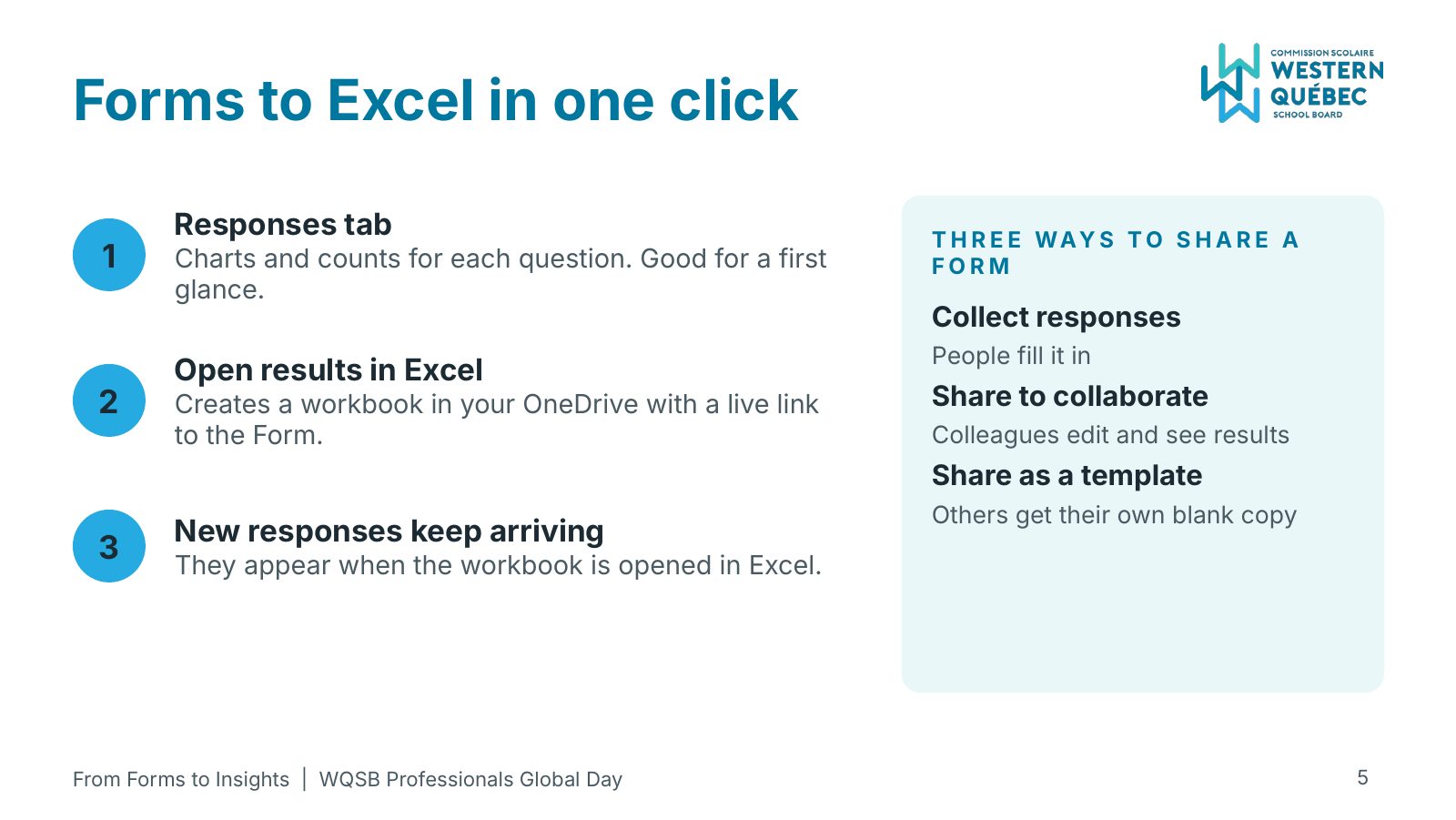
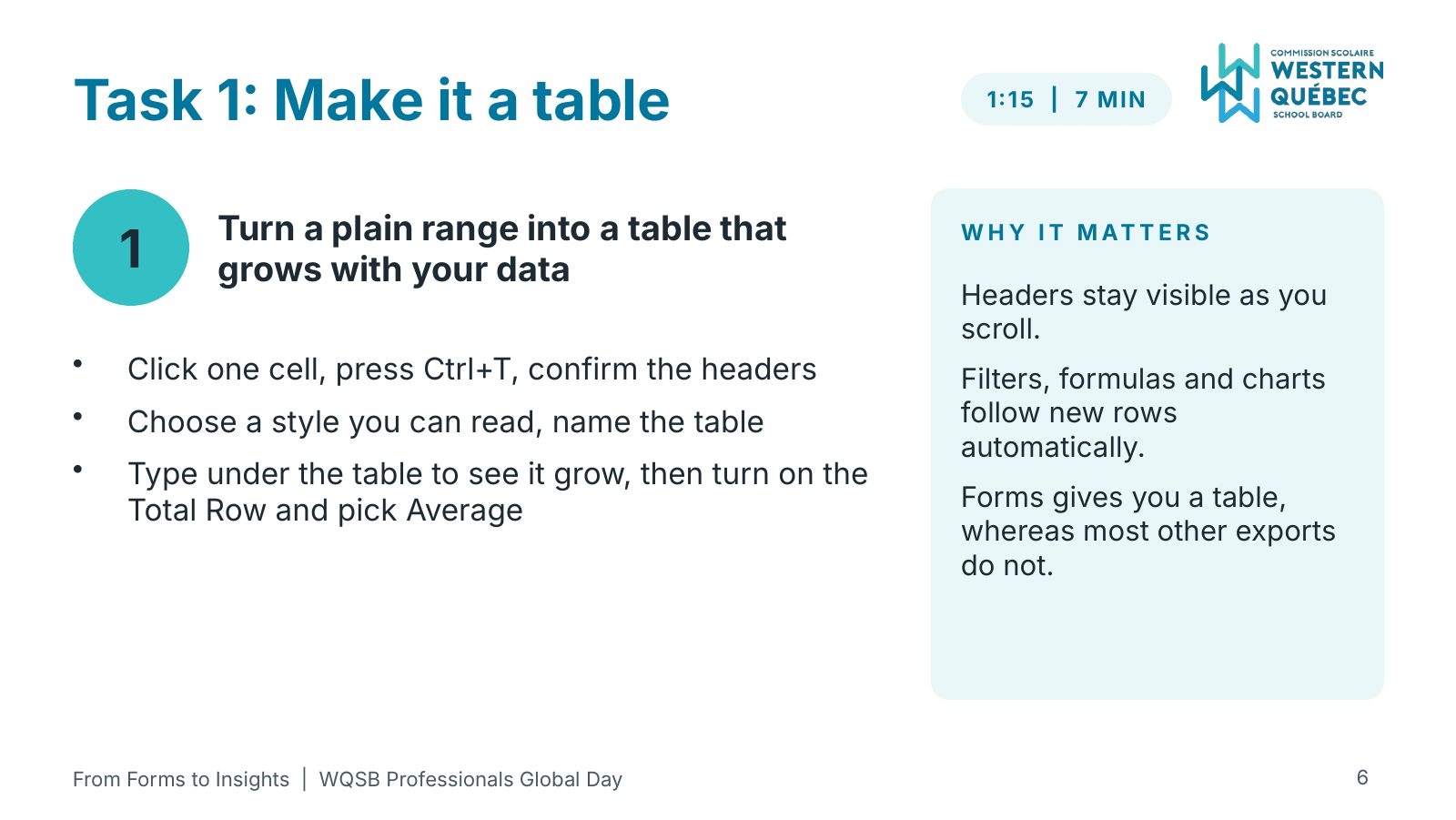
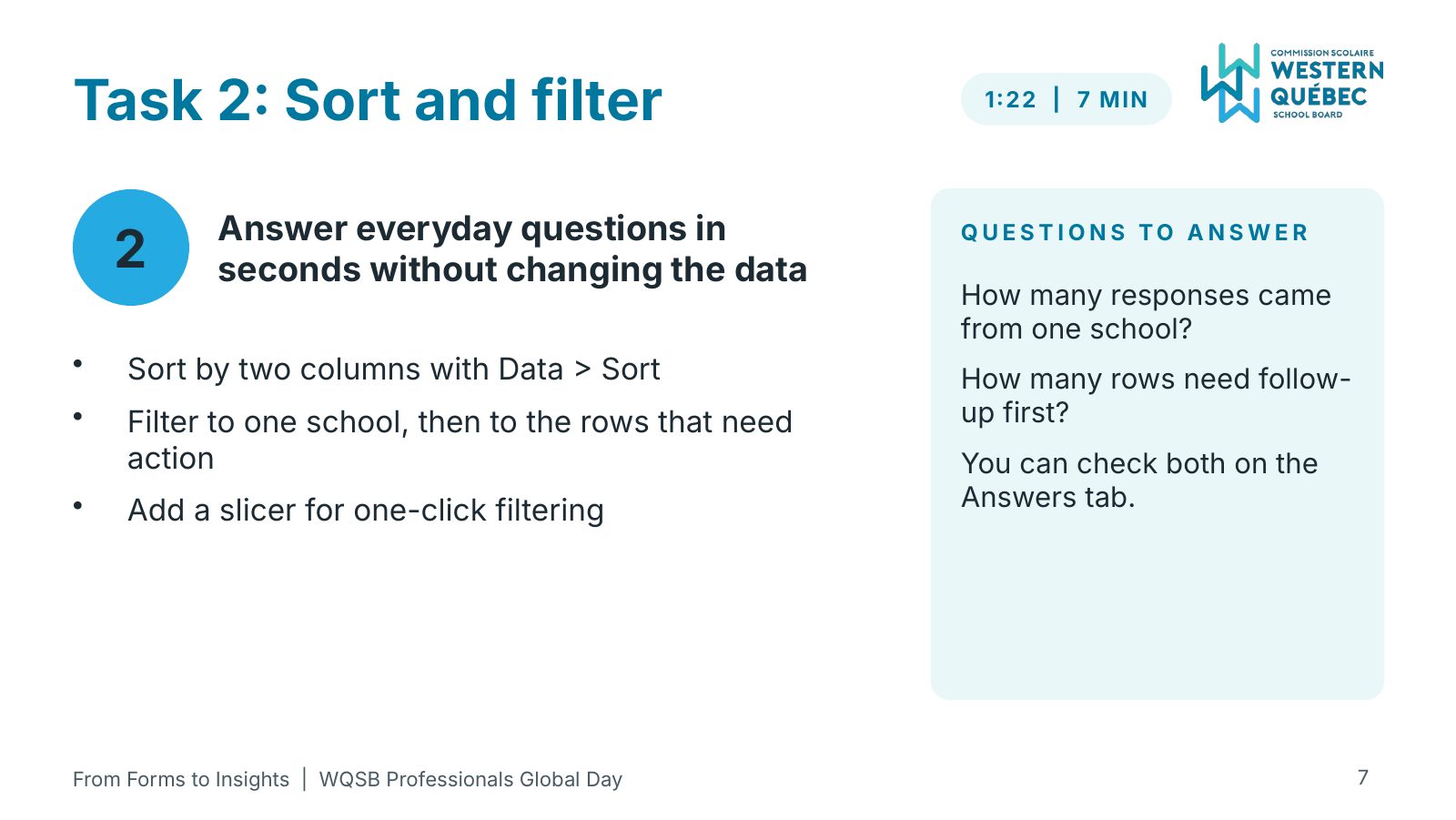
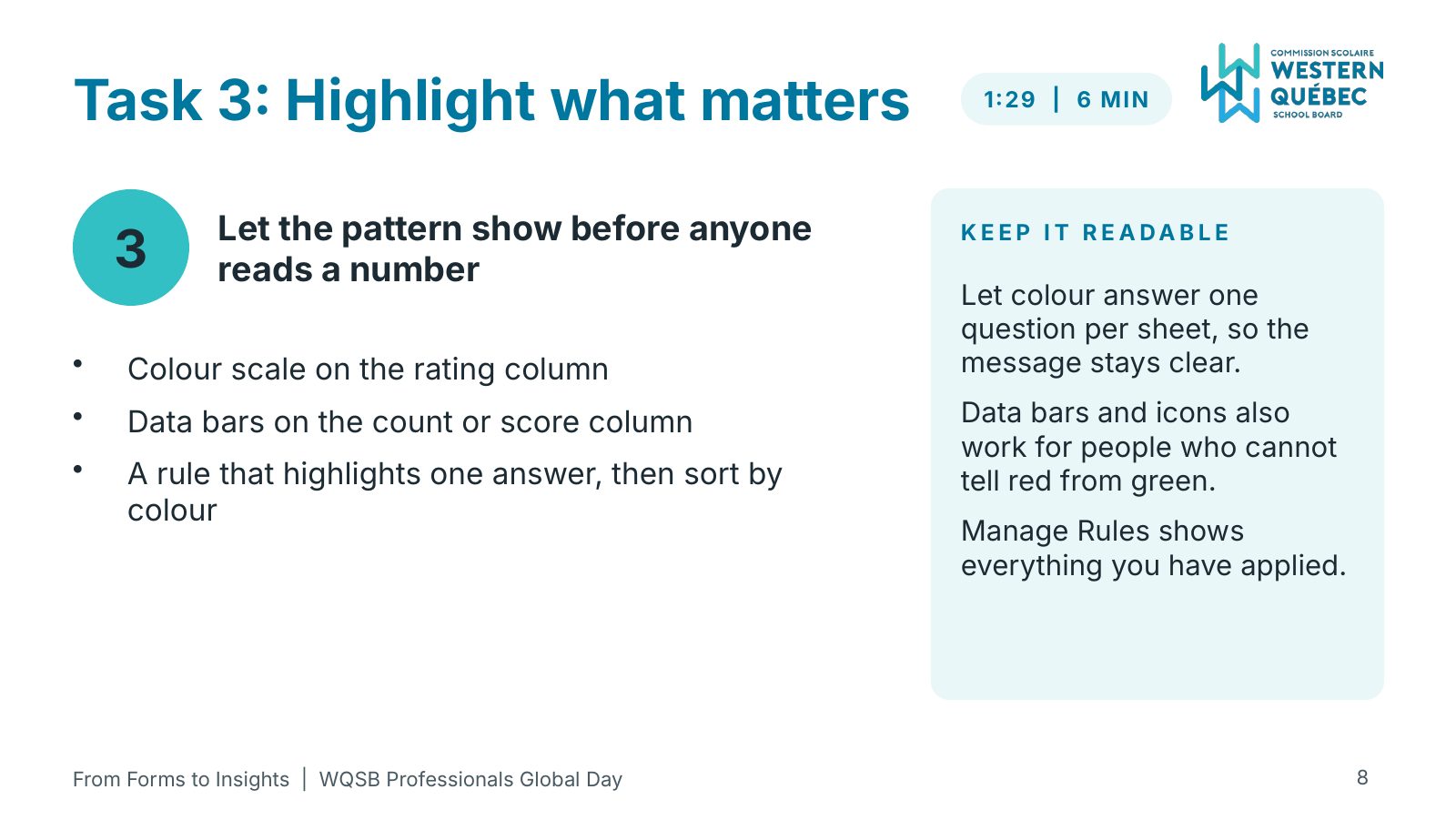
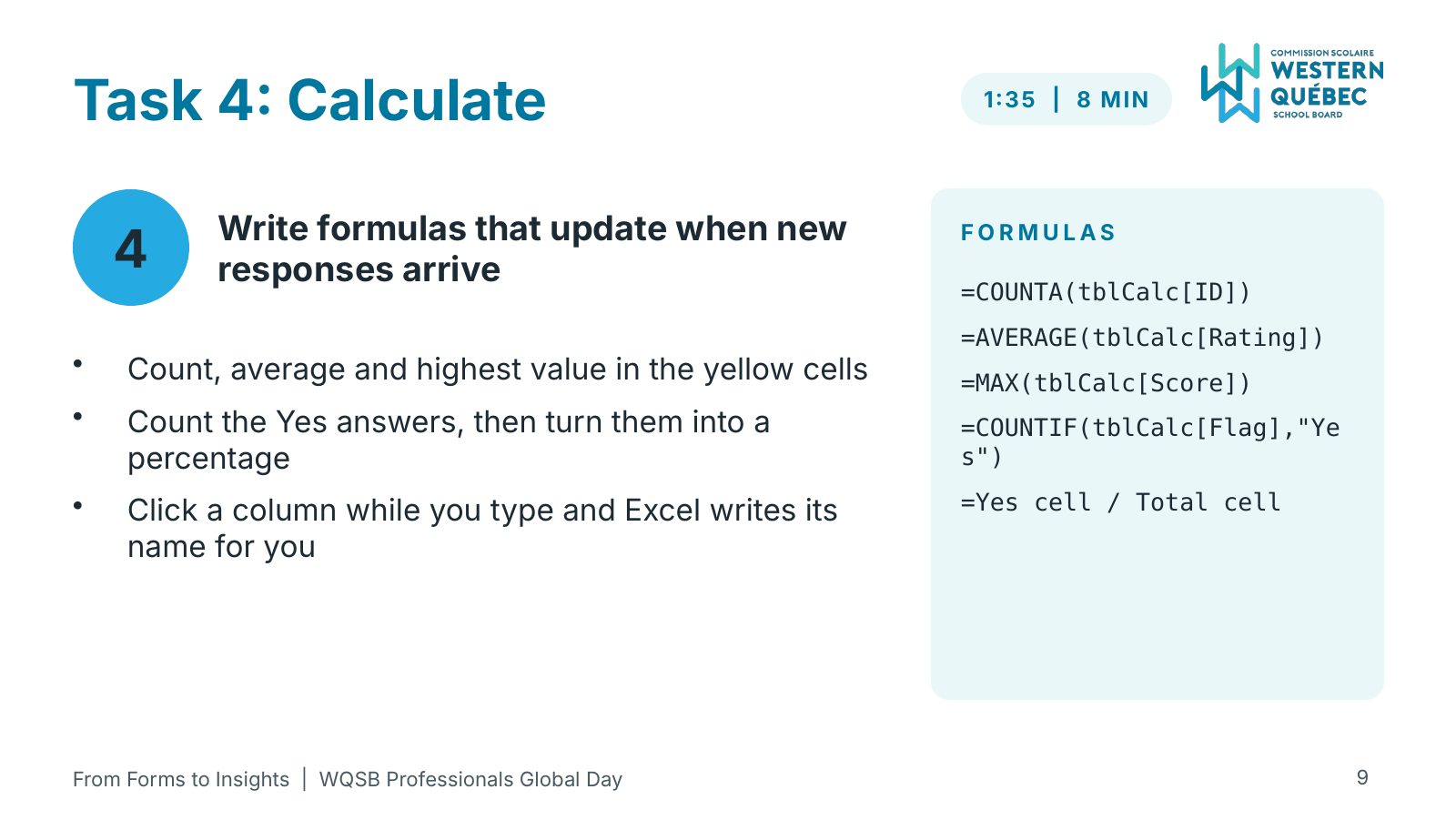
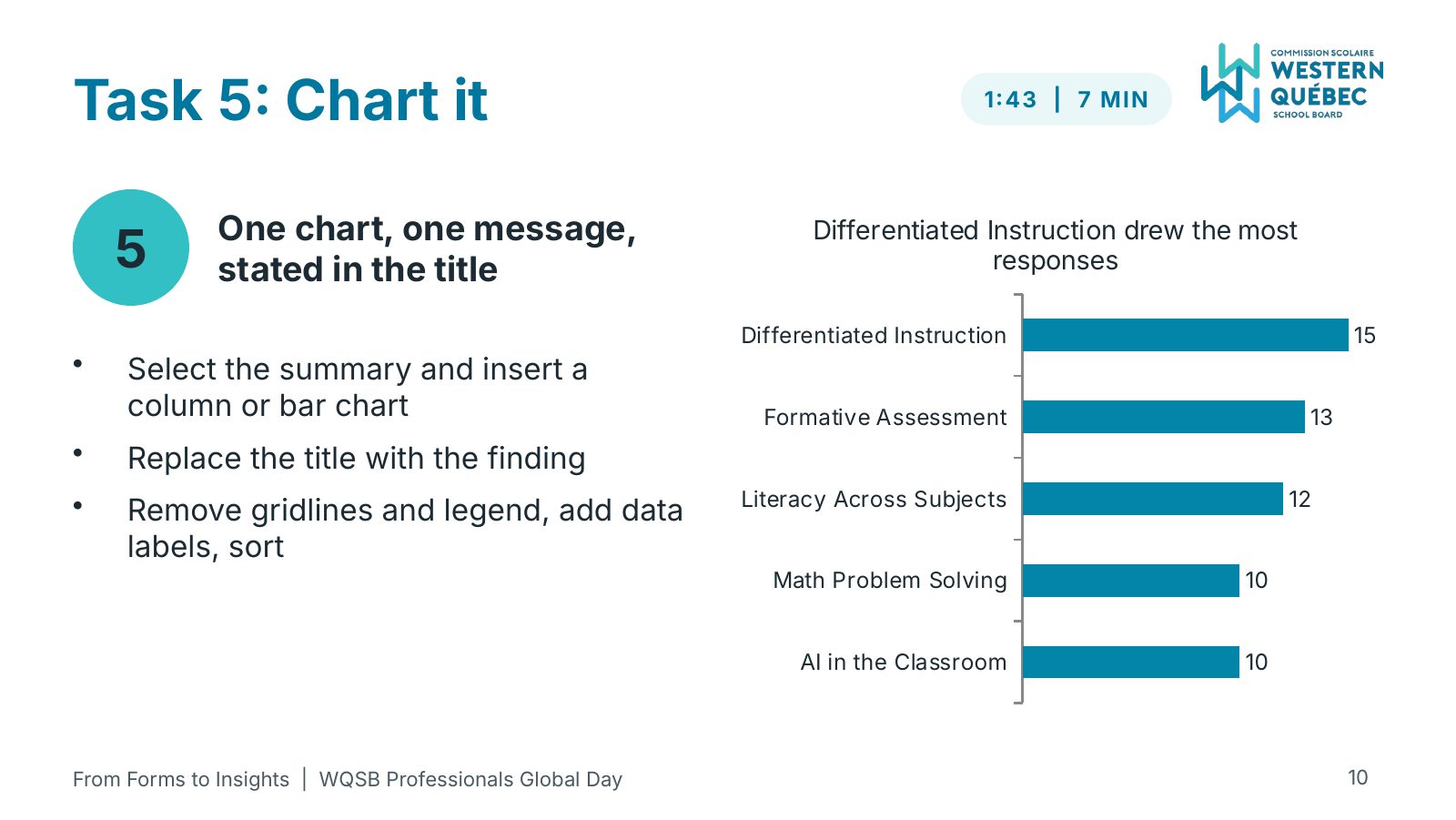
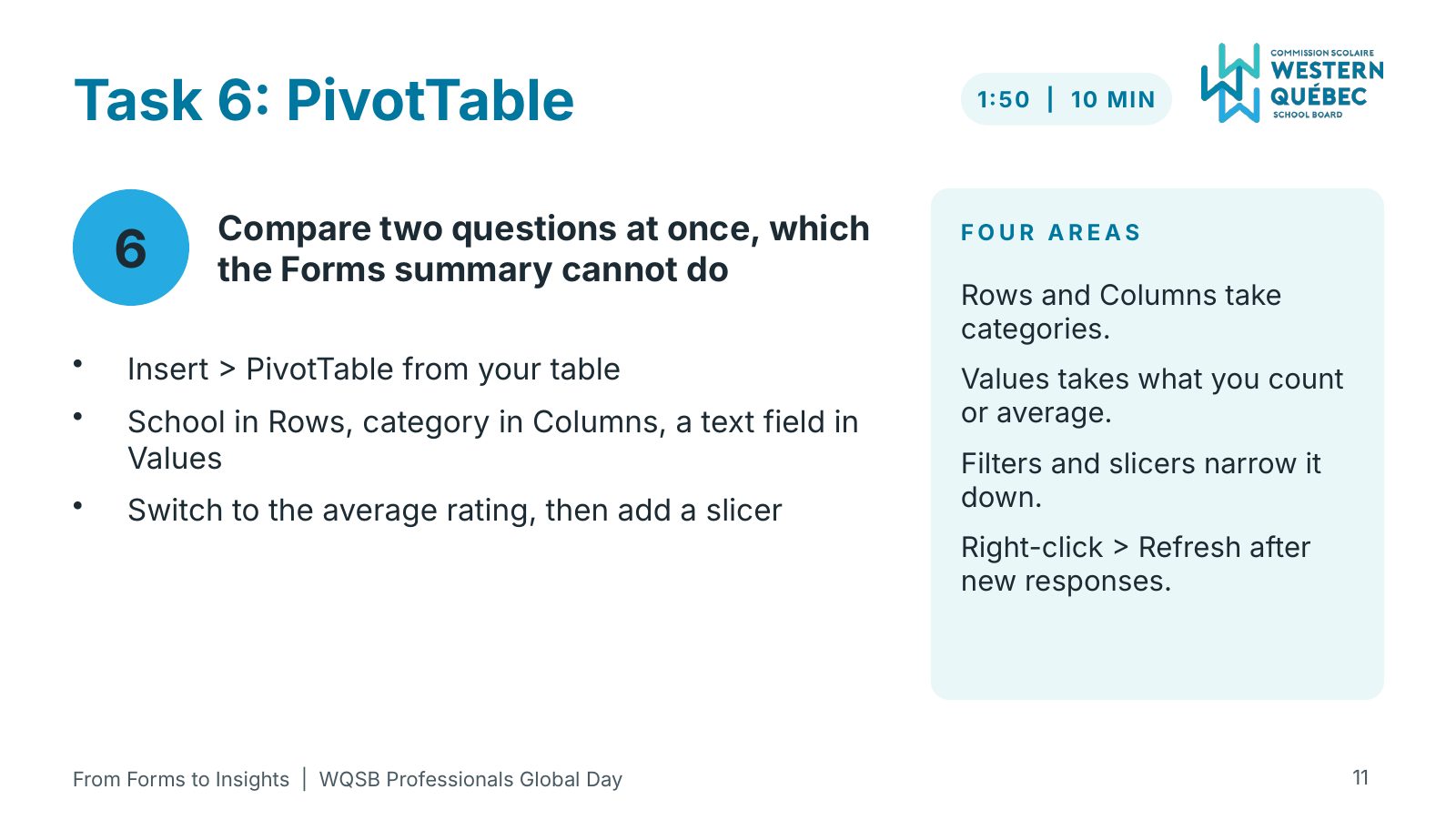
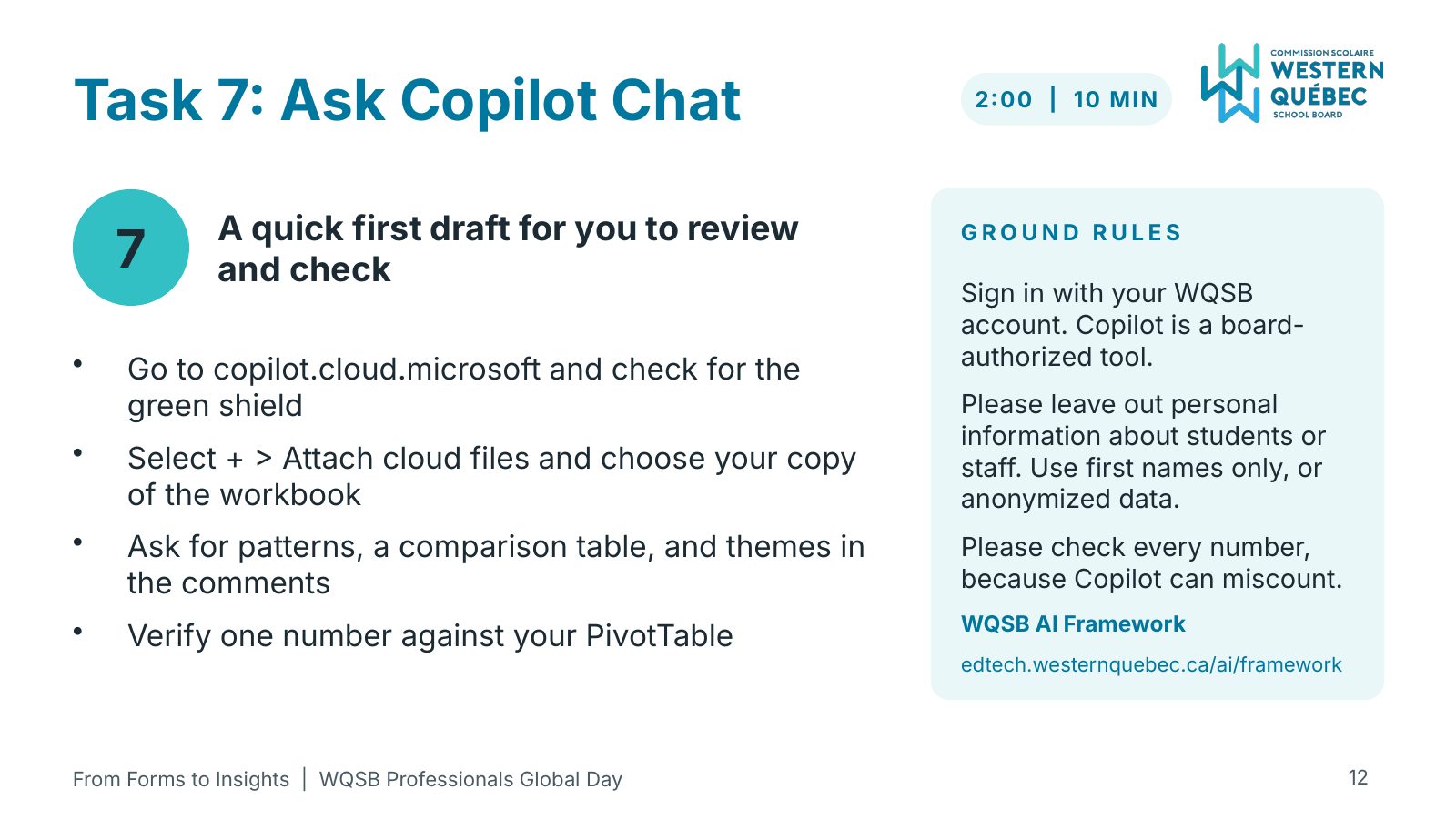
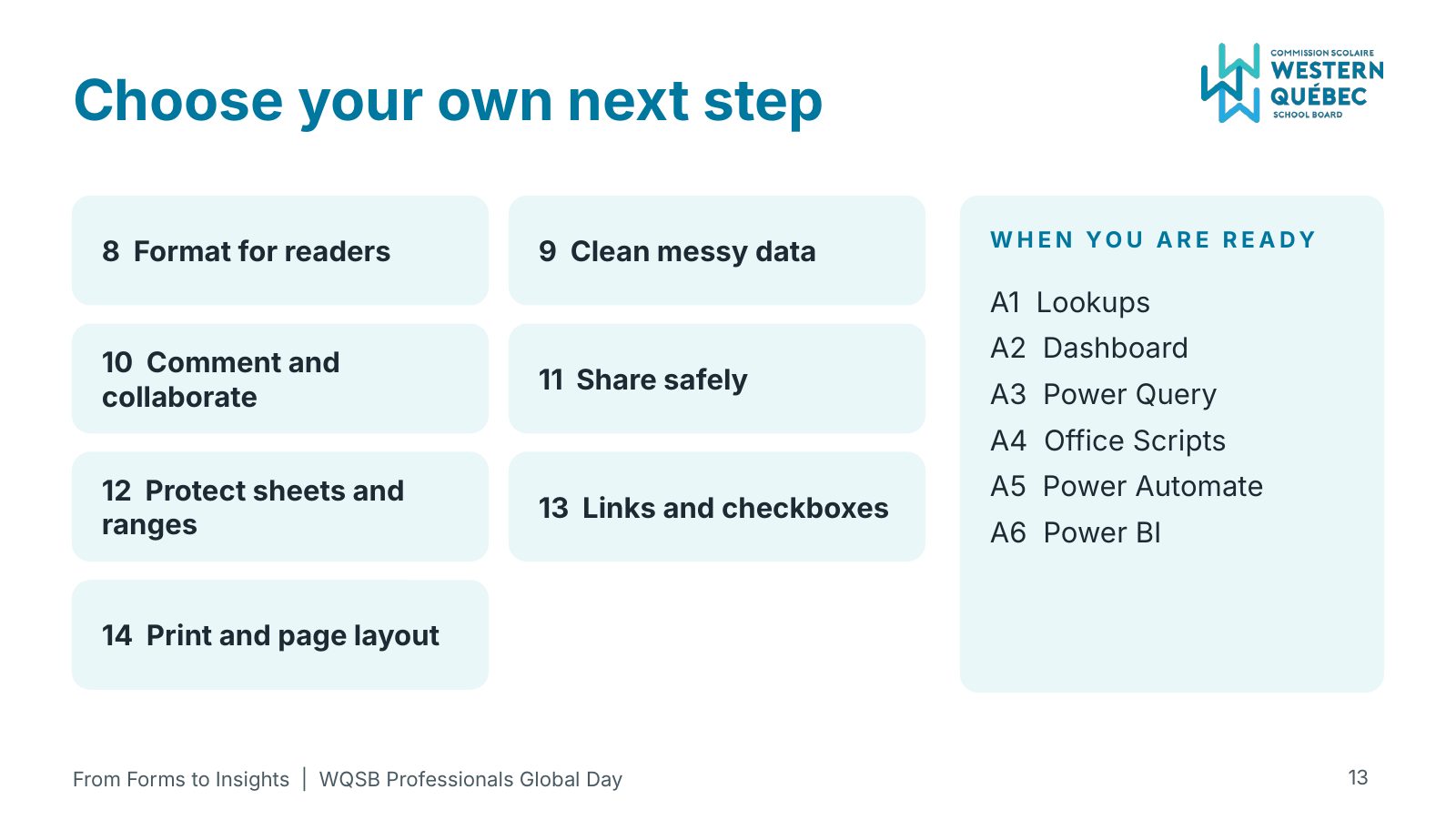
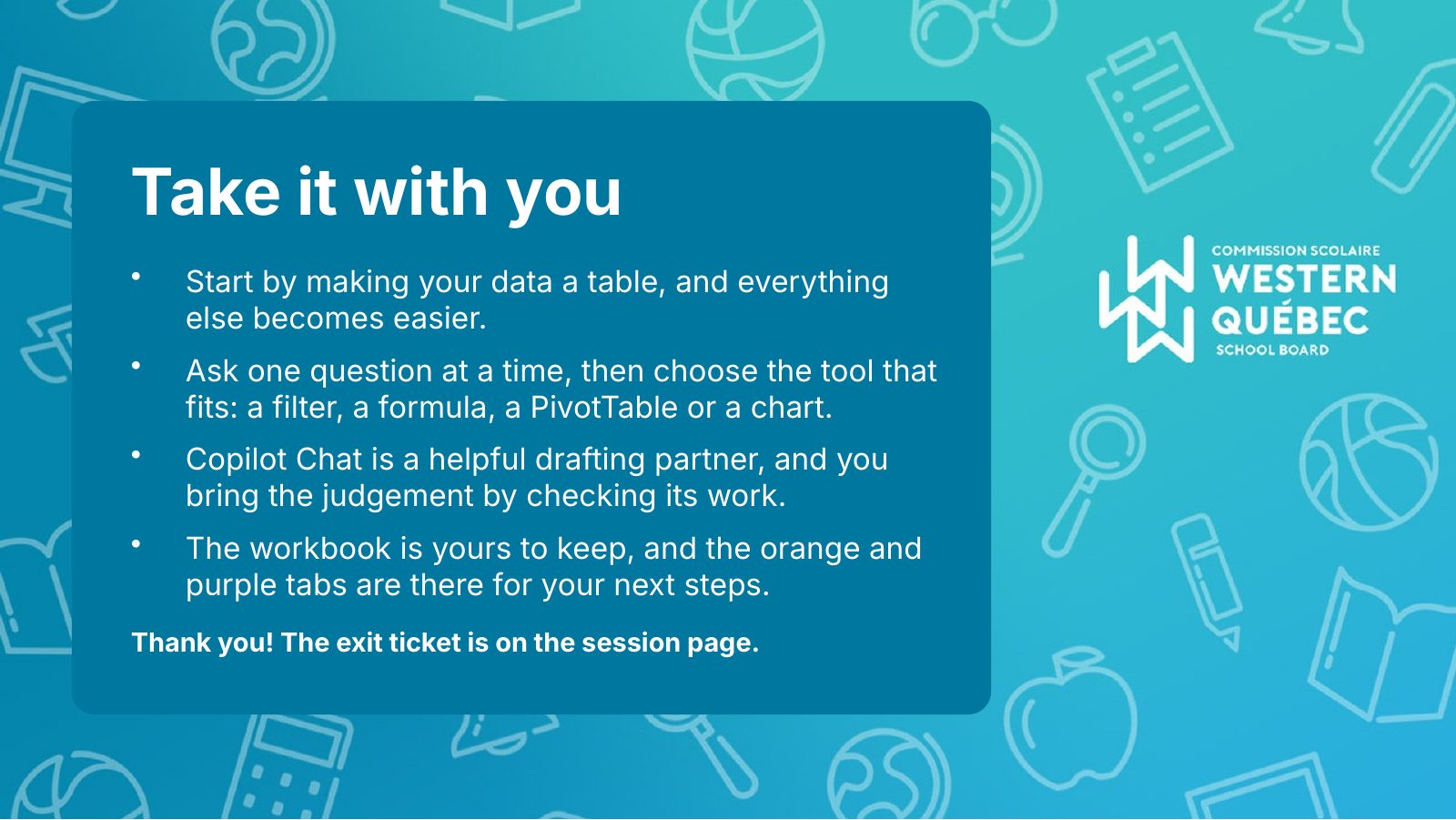
Use the arrow keys or click the slide to move through it. Press F for full screen and Esc to leave it.
Open the slides in PowerPoint (view only). This link and the PowerPoint view need a WQSB sign-in.
Practice files
Workbooks and Forms for each role
Each workbook starts from a Microsoft Form with 60 sample responses. Choose the row for your role. All of the data is fictional.
Save your own copy to OneDrive
- Select Open (view only) for your role. The workbook opens in Excel for the web.
- Choose File > Create a Copy > Create a copy online.
- Your copy saves to your OneDrive and opens, ready to edit.
Prefer the desktop app? Make your online copy first. Then, in your copy, select the Editing pencil at the top right and choose Open in Desktop.
Starting from your online copy keeps the file in your OneDrive, so your work is backed up as you go and is ready for the Copilot Chat task.
Which Form link do I want?
Template gives you your own copy of the form, with the questions and no responses. Select Duplicate it and it is yours to change.
Collaboration opens the original form with its 60 sample responses, so you can see the Responses tab and Open results in Excel. You will need to sign in with your WQSB account.
Everyone shares the original forms, so please look and explore without changing or deleting anything.
What is in each workbook
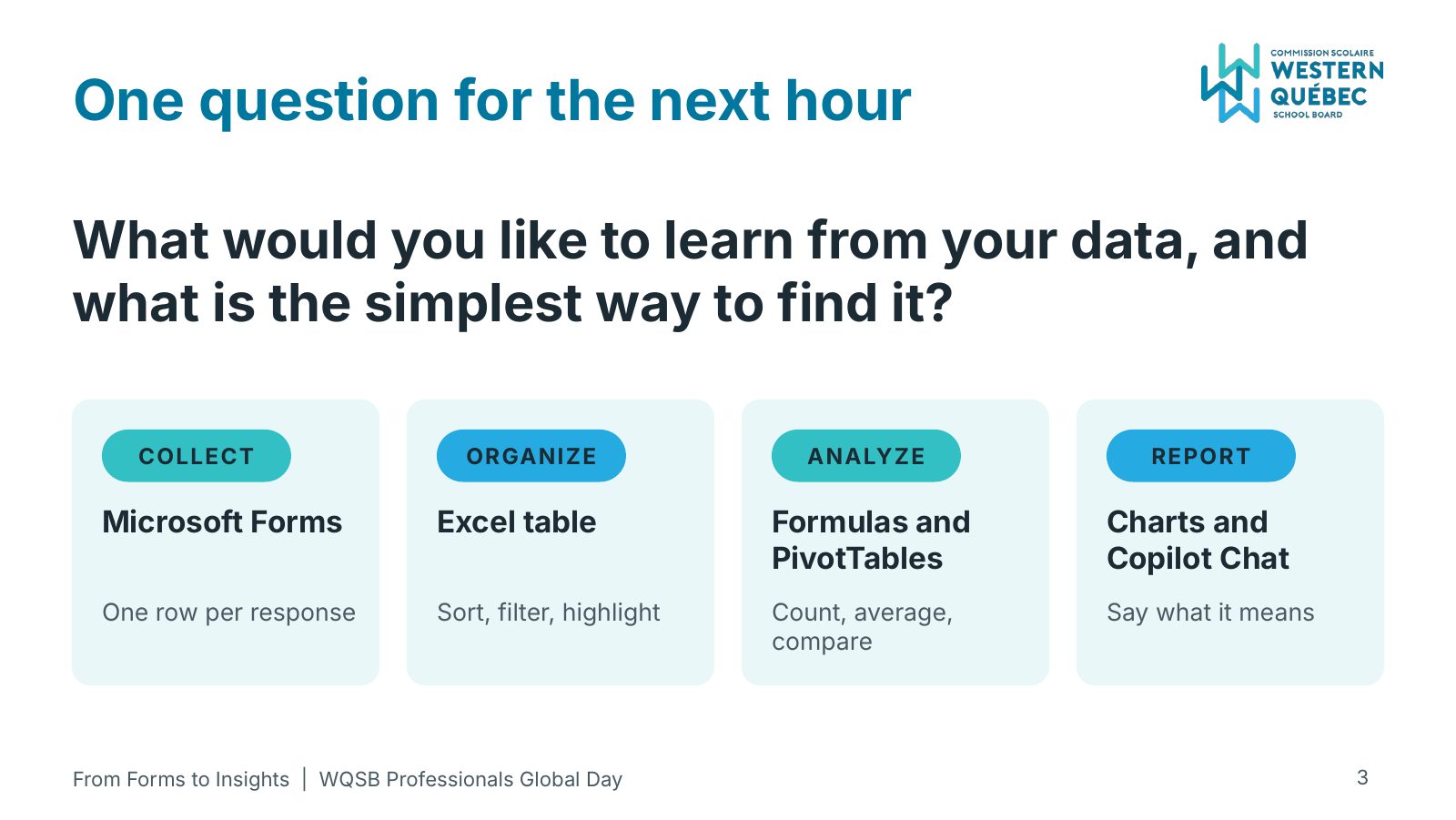
- Green tabs, tasks 1 to 7. Table, sort and filter, highlight, calculate, chart, PivotTable and Copilot Chat. We do these together.
- Orange tabs, tasks 8 to 14. Going further: format, clean, comment, share, protect, links and checkboxes, print.
- Purple tabs. Advanced topics for when you are ready, with an answer key.
The solutions workbooks show a completed example of every task, for whenever you would like to compare.
Task 7
Ask Copilot Chat
- Go to copilot.cloud.microsoft, sign in with your WQSB account and check for the green shield.
- Select + > Attach cloud files and choose your copy of the workbook.
- Ask for patterns, a comparison table and themes in the comments. The prompts are on the Copilot Chat tab of your workbook.
- Verify one number against your PivotTable.
Before you go
Exit ticket
One minute at the end of the session. Your answers help shape the next one. Thank you!
Open the exit ticketReuse the session forms
Would you like a pulse check or an exit ticket for your own sessions? Take a copy of ours.
Find this page again at edtech.westernquebec.ca/excel